
Software Services to Scale Up
Manage your leads, appointments, messages, reviews, marketing, and payments all in one place. Our smart automations and custom systems let business owners kick back, save money, and earn back their time.
Starter
$199 USD / month
Unlimited Users
Free Website and Hosting
CRM & Lead Pipelines
Reporting Dashboard
Centralized Inbox
Missed Call Text-Backs
Free Business Phone Number
Calendar & Online Bookings
Automatic Lead Follow-ups
MOST POPULAR
Growth
$299 USD / month
Unlimited Users
Free Website and Hosting
CRM & Lead Pipelines
Reporting Dashboard
Centralized Inbox
Missed Call Text-Backs
Free Business Phone Number
Calendar & Online Bookings
Automatic Lead Follow-ups
Google Reviews Assistant
Social Media Scheduler
Invoice & Collect Payments
Send Quotes & Estimates
Send Contracts for Signing
1 Workflow Change/month
Pro
$399 USD / month
Unlimited Users
Free Website and Hosting
CRM & Lead Pipelines
Reporting Dashboard
Centralized Inbox
Missed Call Text-Backs
Free Business Phone Number
Calendar & Online Bookings
Automatic Lead Follow-ups
Google Reviews Assistant
Social Media Scheduler
Invoice & Collect Payments
Send Quotes & Estimates
Send Contracts for Signing
2 Workflow Changes/month
Self-Service Email & SMS Marketing
AI Website Chatbot
Priority Support and Changes
Plans billed every four weeks
Usage for email and SMS billed separately: $1.00 per 100 SMS' and $1.00 per 1,000 emails
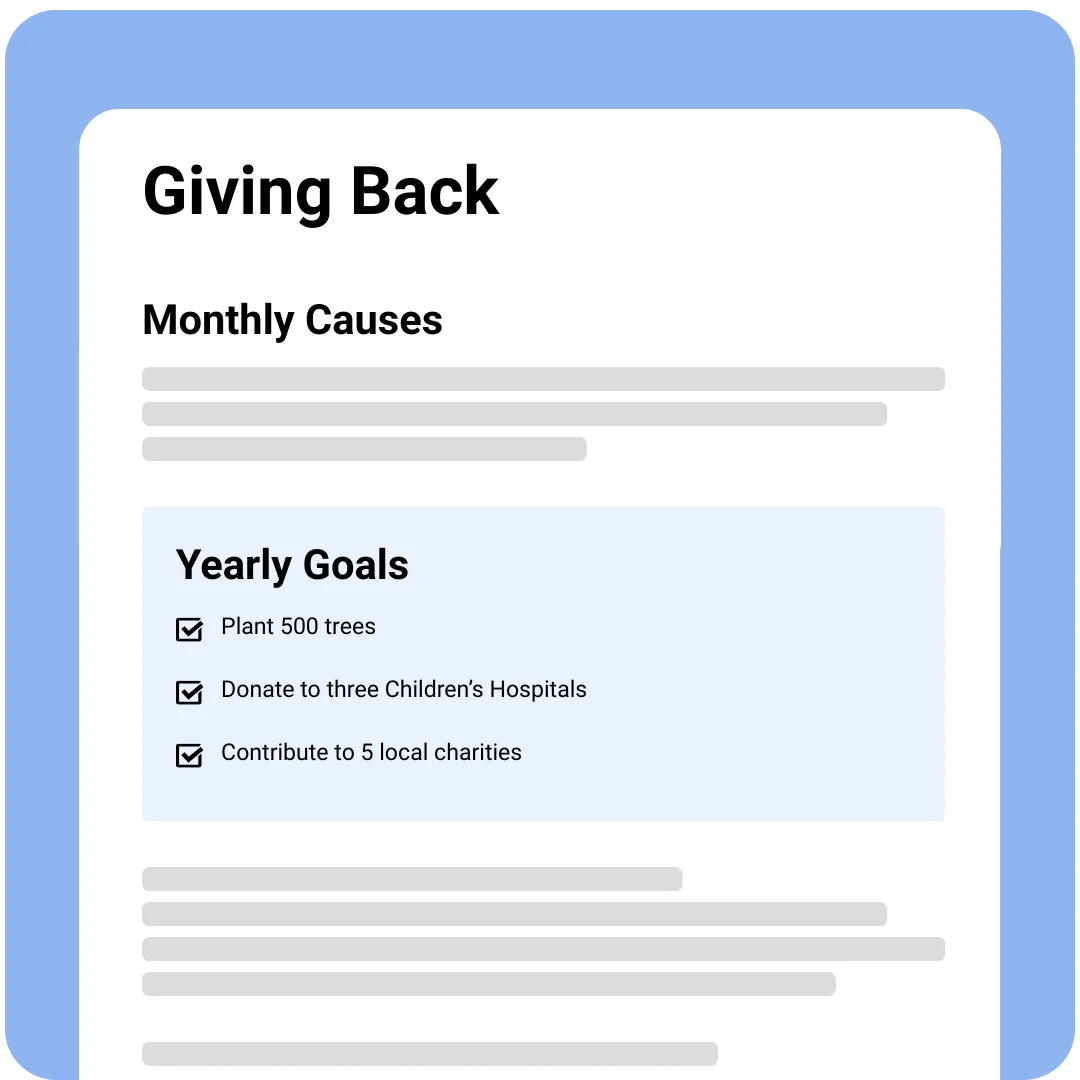
Scaling Up Gives Back
Giving back is built into how we operate. Not only do we build free websites and focus on providing the most premium services at the most economical cost, but we also donate 10% of our net profits back to charity and non-profits.
Get to know your plan
Get to know your plan
Starter
Growth
Pro
Included Features
Unlimited Users
✓
✓
✓
CRM & Lead Pipelines
✓
✓
✓
Reporting Dashboard
✓
✓
✓
Centralized Inbox
✓
✓
✓
Missed Call Text-Backs & Free Business Phone Number
✓
✓
✓
Calendar and Online Bookings
✓
✓
✓
Leads & Appointments Notifications
✓
✓
✓
Automated Lead Follow-Ups
✓
✓
✓
Google Review Assistant
✓
✓
Social Media Scheduler
✓
✓
Send Invoices & Collect Payments
✓
✓
Create & Send Quotes & Estimates
✓
✓
Create & Send Contracts for Signing
✓
✓
Workflow Changes
1 Change per Month
2 Changes per Month
Email & SMS Marketing
Create and send unlimited campaigns.
AI Website Chatbot
✓
Reactivation Campaign
✓
Priority Support and Changes
2 business day response for automation changes and optimizations.
Explore your features
Through our all-in-one platform that organizes, automates, and takes the heavy lifting off your team. Keep more money in your pocket with tools that let you grow and get back your time.
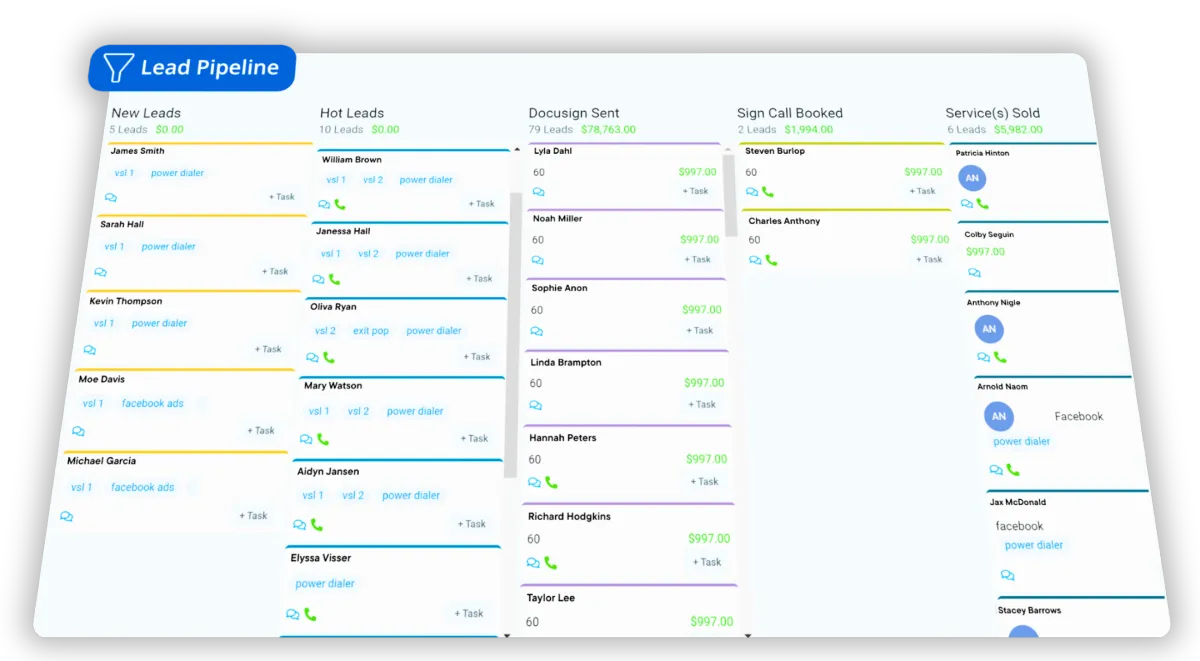
CRM & Lead Dashboard
Track leads at every stage of the funnel through a visual dashboard.
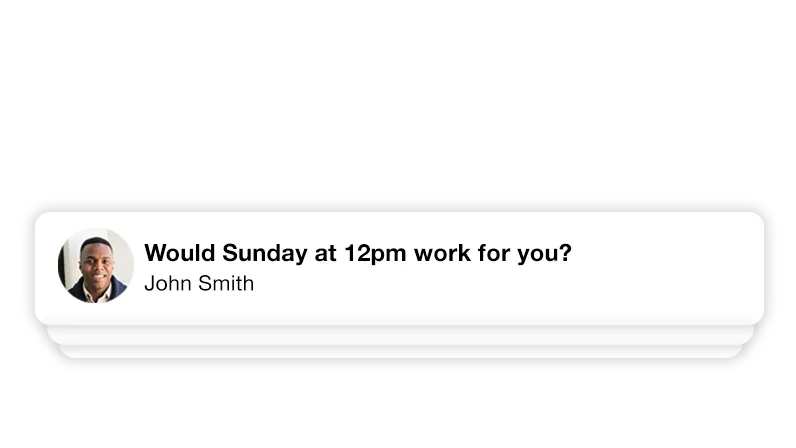
Messages from everywhere... in one place
All your texts, emails, social messages, and website chats appear in one place, helping your team respond faster and never miss a message.
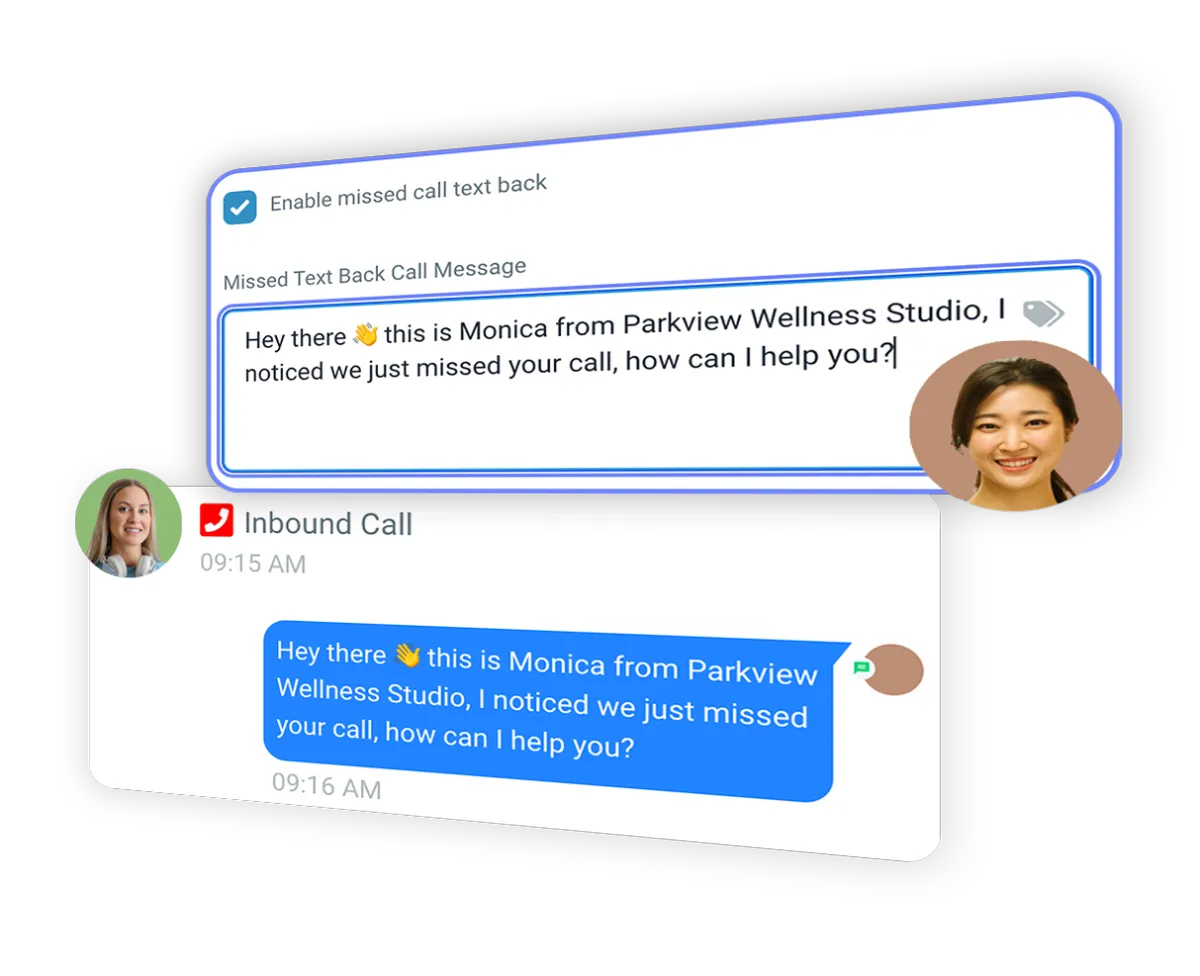
Missed call text-backs.
Missed a call? The system instantly sends a text so the lead stays engaged instead of calling your competitor.
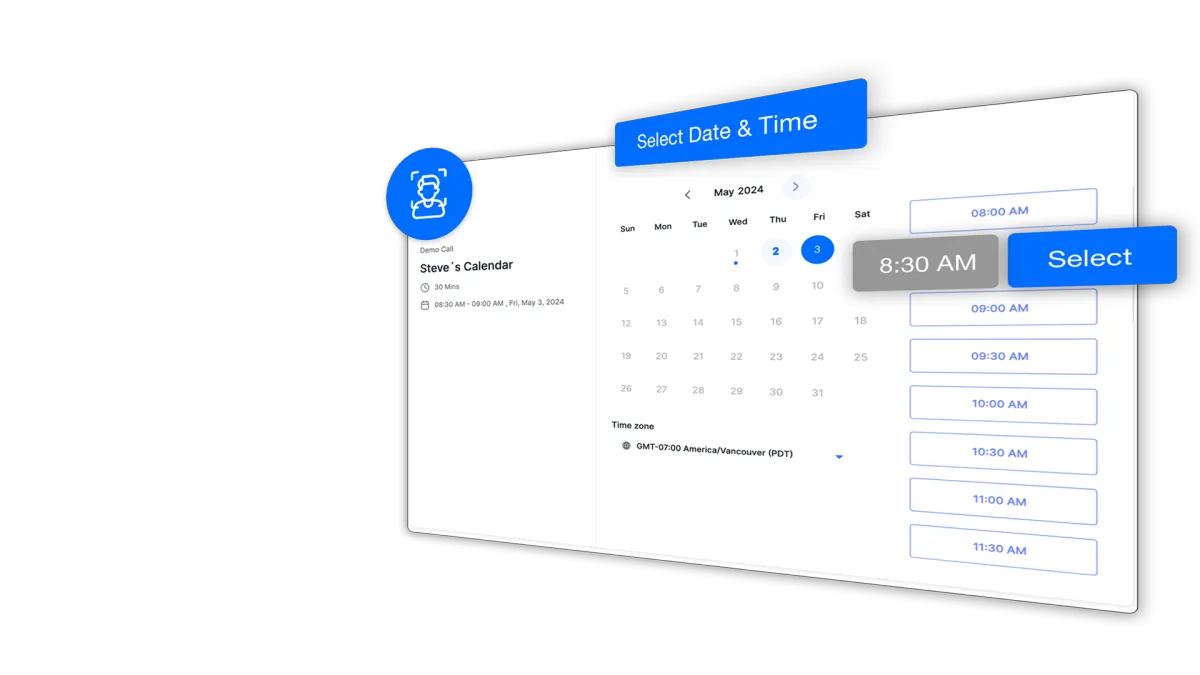
Calendar & Online bookings
Customers can book appointments online anytime, and the system sends automatic reminders and confirmations so you get fewer no-shows.
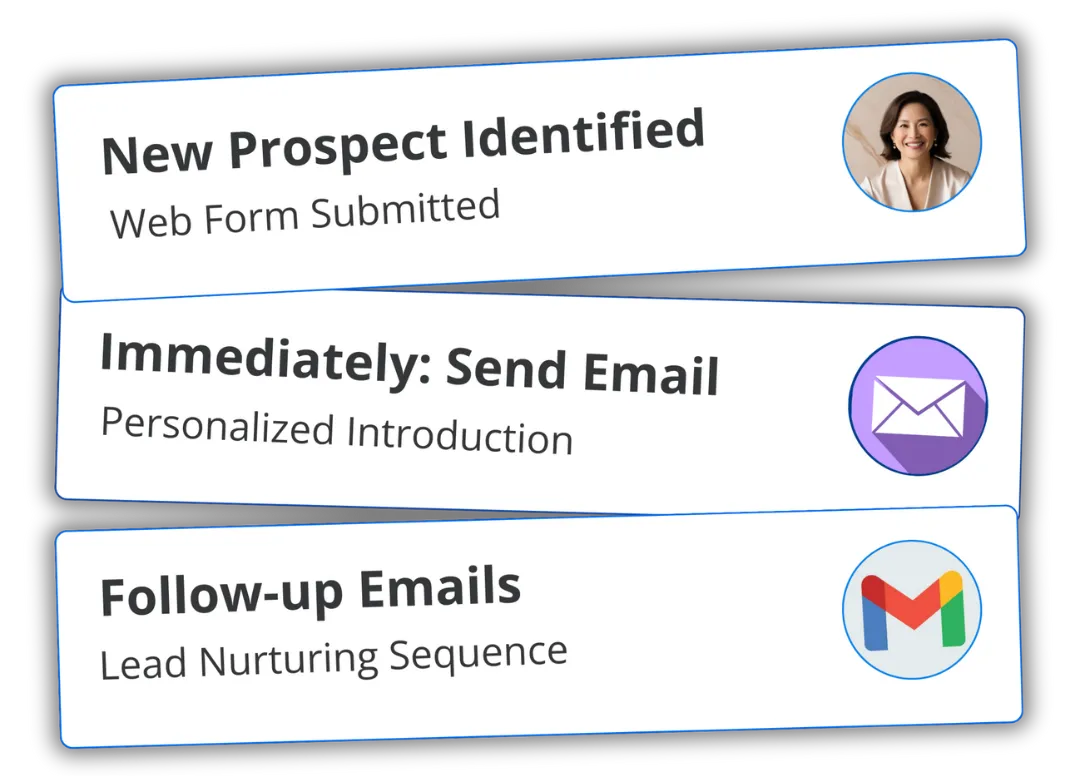
Automated Lead Follow-Ups
Your leads get fast, consistent follow-up through text and email. Book more jobs without chasing people manually.
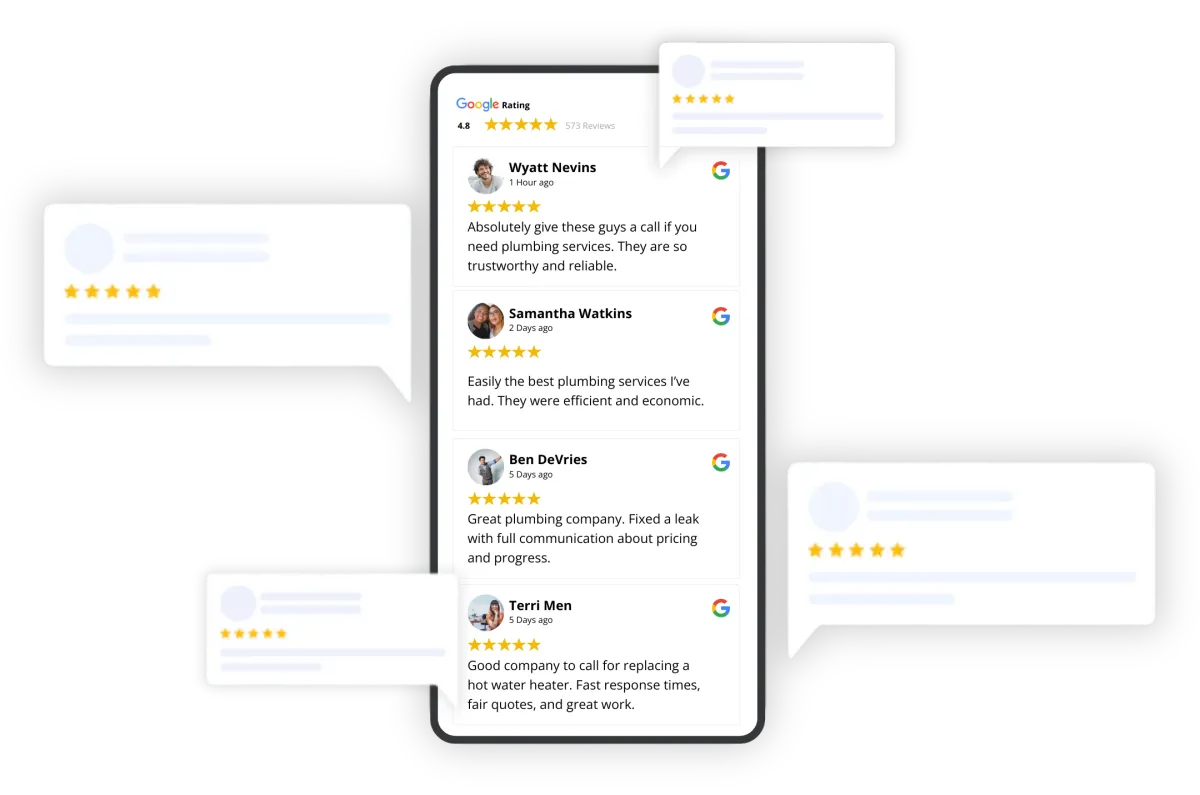
Google Review Assistant
After each job, customers receive a text asking for a review, building your reputation and ranking higher on Google.
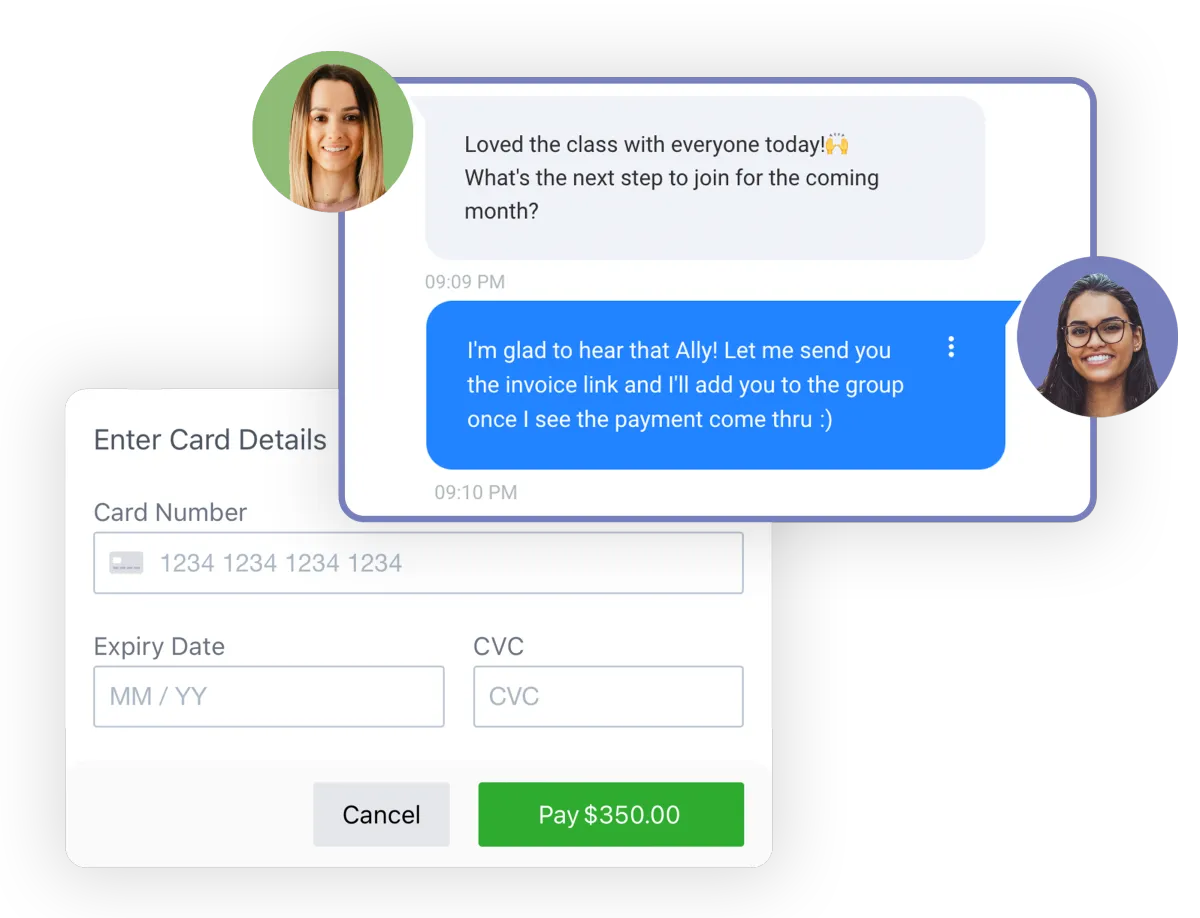
Invoices, Payments, Quotes, Estimates, & Contracts.
Get paid faster while reducing unpaid bills. Send clean, professional invoices, quotes, or estimates and let customers pay online.
Website Chatbots
Turn website visitors into leads instantly by letting them chat directly from your website.
Get to Know Your Plan
What's a Lead Pipeline?
A CRM (Customer Relationship Management system) is a tool that helps you keep track of all the people who interact with your business. Think of it like a super-organized digital contact book that remembers everything for you — names, phone numbers, emails, messages, appointments, and purchases. Instead of sticky notes or scattered DMs, everything about your leads and customers lives in one easy-to-manage place.
A lead is simply someone who has shown interest in your business. A lead pipeline is the step-by-step journey that person goes through before becoming a paying customer. For example, they might move from “New Lead” to “Contacted,” then to “Booked Call,” and finally to “Closed.”
A custom lead pipeline means you choose the exact steps that match your business. Inside our software, these steps are set up as columns, and you move each lead through the stages as they progress. This helps you stay organized, follow up at the right time (or have our automations do the following up for you), and clearly see where every potential customer stands.
How does the centralized inbox work?
The Centralized Inbox is one place where any type of conversation shows up together. Instead of checking Facebook messages, Instagram DMs, text messages, emails, and website chat separately, everything comes into one simple inbox. That means no more jumping between apps or accidentally missing a message from a potential customer.
Each conversation is connected to the person’s contact profile in your CRM, so you can see their name, phone number, email, past messages, appointments, and notes all in one view. You can reply directly from the inbox, assign conversations to team members, and even set up automated responses to save time.
This makes it easier to respond faster, stay organized, and give every lead or customer a professional experience — without the chaos of managing multiple platforms.
You can view the centralized inbox on your phone or computer.
How does the missed call text-back work?
The Missed Call Text Back feature automatically sends a text message to someone if they call your business and you don’t answer. Instead of losing that potential customer, we set up an automation to instantly follow up for you. The text can say something like, “Sorry we missed your call! How can we help?” — so the conversation keeps going even if you were busy. This is sent from your business number and when the person replies to that text, it will show up in your centralized inbox.
This helps you capture more leads, respond faster, and avoid missed opportunities — all without needing to manually follow up every time you miss a call.
How does the Calendar work? What's the difference between a Calendar and Event/Service type?
The calendar is a tool that lets people book appointments with your business online. You can share your booking link, and clients simply choose a date and time that works for them. The system can automatically send confirmation emails, text reminders, and even follow-up messages, so you don’t have to manually manage scheduling.
The difference between a Calendar and Event/Service type is this:
The calendar is the overall booking system tied to a team member, department, or purpose (for example, “Sales Calls” or “Consultations”). Inside each calendar, you create different event or service types, which are the specific appointments people can book. For example, within a Sales Calendar, you might have “15-Minute Discovery Call” or “60-Minute Strategy Session.”
In simple terms: the calendar is the container, and the event/service type is the specific appointment option inside it.
How does the Self-Service Email & SMS Marketing work?
The Self-Service Email & SMS Marketing feature allows you to create and send your own email and text message campaigns directly from your Scaled Up account. Instead of relying on a third party, like MailChimp, Klayvio, or others, you can build messages, choose your audience, and schedule or send campaigns whenever you’re ready. Everything is designed to be user-friendly, so you can manage your marketing in one place.
You’ll be able to select which contacts receive your message (for example, past customers, new leads, or a specific tag or list), design your email or write your text, and either send it immediately or schedule it for later. You can also create automated campaigns that send messages over time — like welcome sequences, promotions, or follow-ups.
Because it’s self-service, you’re in full control. You can test ideas, run promotions, nurture leads, and track results — all without needing technical experience or waiting on someone else to send your campaigns.
How does the Automated Lead Follow Up work?"
The Automated Lead Follow-Up feature automatically sends messages to new leads so you don’t have to manually reach out every time someone inquires. When a person fills out a form, books an appointment, sends a message, or calls your business, the system can instantly respond with a text, email, or both. This ensures every lead hears from you right away — even if you’re busy.
We'll carefully customize these for your business so the sequences continues over several days or weeks. For example, the system might send an immediate thank-you message, a reminder the next day, and another follow-up a few days later if the person hasn’t responded. Everything runs automatically in the background.
This helps you respond faster, stay consistent, and increase the chances of turning leads into paying customers — without having to remember to follow up with each person individually.
How does the Google Review Assistant work?
The Google Review Assistant automatically helps you ask customers for reviews after they’ve done business with you. Instead of manually reaching out, the system can send a text or email at the right time asking about their experience. This makes it easy to consistently collect more Google reviews without extra effort.
If a customer has a positive experience, they’re directed straight to your Google review link to leave a public review. If they had a less-than-great experience, you can guide them to share private feedback instead. This gives you the chance to address concerns before they turn into negative public reviews.
Everything runs automatically once it’s set up. That means more 5-star reviews, stronger online credibility, and more trust from future customers — all while saving you time.
How does it work to send invoices, quotes, estimates, and collect payments?
The invoicing and payments feature lets you create and send quotes, estimates, and invoices directly from your account. Quickbooks and DocuSign are no longer needed. You can build professional-looking documents that outline your services, pricing, taxes, and payment terms, then send them to clients by email or text. Clients can review, approve, and pay — all in just a few clicks.
Once an invoice is sent, customers can securely pay online using a credit or debit card (this requires your business to have a Stripe account). The system tracks whether a quote has been viewed, approved, or paid, so you always know where things stand. You can also set up automatic reminders to gently follow up on unpaid invoices without having to manually chase payments.
How does the Contract Signing feature work?
The Contract Signing feature allows you to send professional agreements to your clients digitally, so they can review and sign them online. Instead of printing, scanning, or emailing PDFs back and forth, everything happens inside the system. You simply upload or create your contract, add signature fields, and send it to your client by email or text.
When the client receives the contract, they can open it on their phone or computer, review the terms, and sign electronically in just a few clicks. Once signed, both you and the client receive a copy for your records, and the signed agreement is safely stored in their contact profile.
This makes the process faster, more organized, and more professional. It helps you secure agreements quickly, reduce paperwork, and keep all signed contracts in one easy-to-access place.
How does the AI website chatbot work?
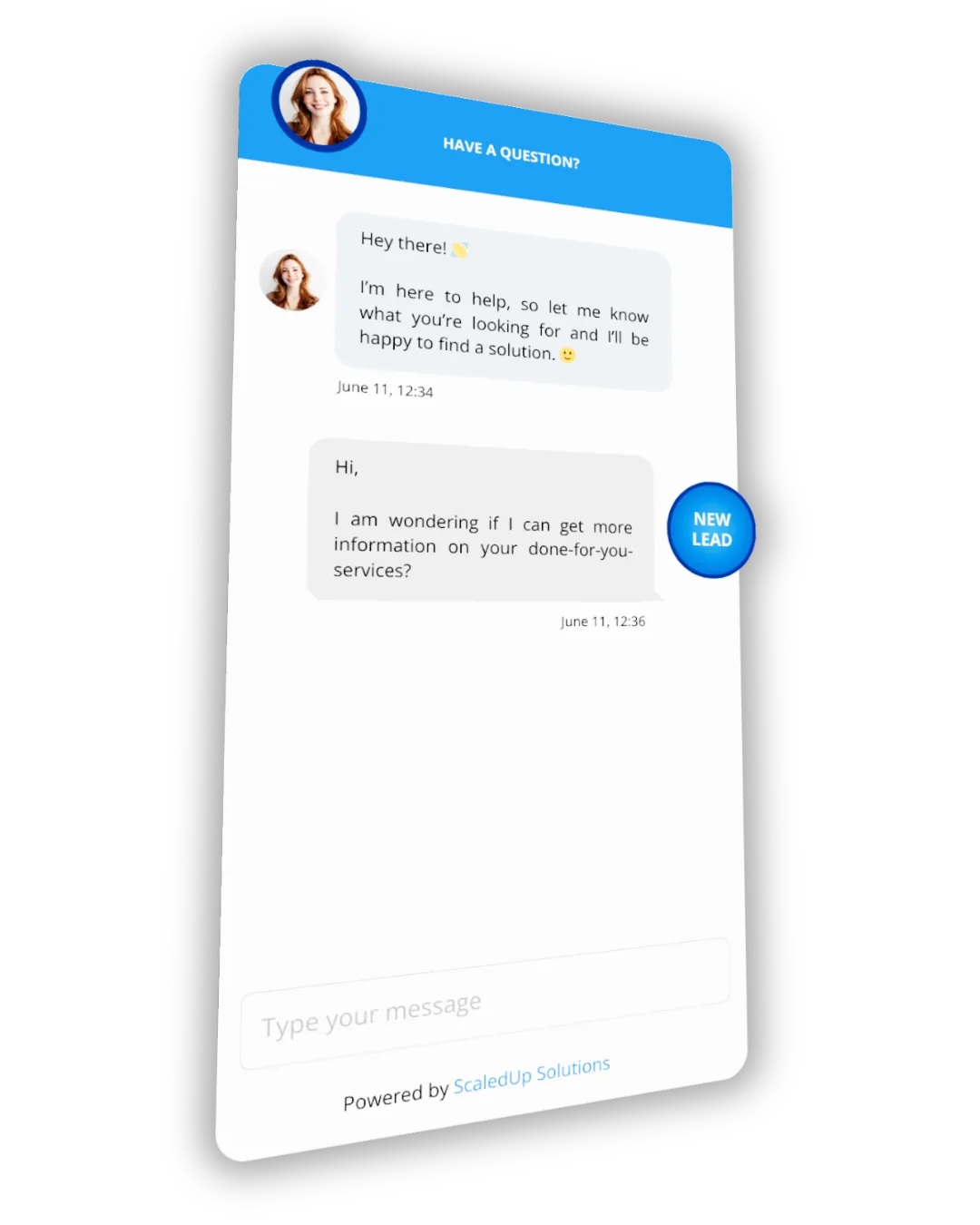
The AI Website Chatbot is a smart chat feature that sits on your website as a pop-up icon and talks to visitors automatically — even if you’re not available. It can answer common questions, provide information about your services, and guide visitors toward booking an appointment or contacting your team.
The chatbot connects directly to your CRM, so when someone starts a conversation, their information is saved as a lead. You can see the full chat history inside your centralized inbox and take over the conversation at any time if needed. This means no missed opportunities and no lost website visitors.
Because it runs 24/7, the AI chatbot helps you capture and qualify leads around the clock, respond faster, and turn more website visitors into real conversations and booked appointments.
What are Advanced Workflows?
Advanced Workflows are powerful automations that allow your system to take action automatically based on what a lead or customer does. Instead of manually sending messages, updating pipeline stages, assigning tasks, or following up, workflows handle those steps for you in the background. They can include multiple actions like sending emails or texts, waiting a certain number of days, moving a lead to a new stage, tagging contacts, or notifying your team.
Think of a workflow as a smart “if this, then that” system. For example: If someone fills out a form, then send a welcome text, wait one day, send an email, and notify the sales team. These automations help you save time, stay consistent, and ensure no lead falls through the cracks.
In our Premium Plan, you receive up to 2 workflow changes per month or 1 new custom automation per quarter. This allows us to strategically adjust or build more advanced systems for your business while keeping everything optimized and running smoothly.